01
You understand it in the first minute
The main idea is clear almost immediately, even if mastering it takes far longer.
No games found
Unihfy Games
Loading identity...
Quick Access
Browser games have come a long way since Flash. A look at why they fit the way we play now, what separates a great one from a forgettable one, what each genre does well in a tab, and what is true and false about browser game safety.

Format
Curated Article
Reading Time
10 min read
Published
June 6, 2026
Last Updated
October 20, 2026
Written by
Developer · Game Reviewer
Kaushik Hirpara is a full-stack developer and game reviewer at Unihfy Games. He designs and builds every game on the site, gets them playing well on phones, and writes up what players need to know.
View Author ProfileFor a long time, 'browser game' meant a Flash game: a small window, a plugin that needed updating, and a good chance of the whole tab freezing. Adobe ended support for Flash at the end of 2020, and by then the web had already moved on to open standards that every modern browser understands without a plugin.
What replaced Flash is far more capable. Browsers can now draw 2D and 3D graphics using the device's graphics chip, play synthesised sound, read touch, mouse, keyboard and gamepad input, and remember your progress between visits. A browser game today can be anything from a one-button runner to a full 3D world.
But better technology does not automatically mean better games. The browser is still a particular kind of place to play, with its own strengths and its own limits, and the games that work best there are the ones designed around both.
The biggest thing a browser game has going for it is not graphics or price. It is how little effort it takes to begin. Psychologists who study habits often point out that small barriers have a big effect on what we actually do. Every extra step between wanting to do something and doing it, such as a download, an install, an account or an update, is a chance to give up.
A browser game removes most of those steps. You click, and within seconds you are playing. That makes it the natural choice for the in-between moments of a day: a short break, a wait, ten minutes before something else starts. Nobody installs a large game for ten minutes, but plenty of people will open a tab.
The same low barrier works in the other direction too. Because it is so easy to close a tab, a browser game has very little time to earn your attention. If the first minute is confusing or dull, the player is simply gone.
A browser game is easy to start and just as easy to leave. The best ones are designed knowing that the first minute decides whether you stay.
Most browser games are built on a few standard pieces. HTML5 and its canvas element handle drawing in 2D. WebGL gives the browser access to the graphics chip, which is what makes smooth 3D possible. WebAssembly lets code written in other languages run in the browser much closer to native speed, which is how game engines such as Unity and Godot can export to the web. Newer standards such as WebGPU are arriving to push graphics further still.
Developers also use smaller libraries rather than full engines. Two of our own games, the climber Lanternrise and the truck racer Tossload, use the open-source three.js library for their 3D, while the rest of the work is done in the game's own code.
For players, the important point is not the acronyms but the result: a good browser game should start quickly, run smoothly on ordinary hardware and look right on whatever screen you have.
Quick Overview
The main idea is clear almost immediately, even if mastering it takes far longer.
You can pause, stop and come back, and your progress is still there next time.
Controls and layout adapt to a phone, a tablet or a desktop rather than assuming one of them.
When you fail, you can see why, which makes you want to try again rather than leave.
It focuses on one strong idea instead of trying to imitate a huge game in a small window.
Because browser games are played in short gaps, the way a game handles stopping matters as much as the way it handles starting. A pause that works, a run that can be restarted instantly and progress that survives closing the tab all tell the player that their time is valued.
The opposite is just as noticeable. A game that loses your progress, forces a long unskippable intro or makes you sit through menus before every attempt quickly feels like a chore. In a medium where leaving costs nothing, that is usually the end of it.
Arcade and action games are the most natural fit. Short runs, instant restarts and one clear goal suit a few spare minutes perfectly, and the 'one more go' feeling works especially well when the restart is a single tap away.
Puzzle games work well because they can be paused at any moment without penalty. A puzzle that you think about while away from it, then solve on the next visit, is one of the nicest experiences a browser game can offer.
Racing and sports games bring a clear structure: a race or a match has a beginning and an end, which makes it easy to fit one into a break. Shooting games in the browser range from relaxed target games to serious aim practice for players who want to improve at other shooters.
Strategy, idle and multiplayer games use the browser differently. Idle games keep running in a background tab and reward checking in now and then. Strategy games can be played a turn at a time. Multiplayer games make the most of the fact that a link is all a friend needs to join you.
Myth vs Reality
The Myth
01A browser game cannot harm your computer at all.
The Reality
Browsers run web pages in a sandbox that strictly limits what they can do to your device, which makes playing in a tab much safer than running an unknown downloaded program. It is not a guarantee, though: the real risks are usually around the game, such as fake download buttons, misleading ads or pages asking for your passwords.
The Myth
02Browser games leave nothing on your computer.
The Reality
Your browser keeps copies of game files in its cache on your disk so later visits load faster, and saved progress is stored by your browser on your device too. These are small and managed by the browser, but they are not nothing.
The Myth
03Clearing your browser's data is a harmless fix for any problem.
The Reality
Clearing only cached files is usually safe. Clearing cookies and site data, however, also removes the progress that many browser games save on your device.
The Myth
04Any controller will work with any browser game.
The Reality
Modern browsers can read gamepads, but a controller only works if the game itself was built to support one.
Most browser games run well without any changes, but a few habits help. Keep your browser up to date, since updates bring both security fixes and performance improvements. Check that hardware acceleration is turned on in your browser's settings, because games rely on it to use your graphics chip.
If a game stutters, try closing other heavy tabs or turning off extensions you do not need, since some extensions inspect every page and can add delay. On a phone, play in the orientation the game asks for and close background apps if things feel slow.
Finally, play on official sites. Most browser game safety problems come from copies hosted on pages full of misleading buttons and ads, not from the games themselves.
Quick Picks
Every game on Unihfy Games was made in-house, and all of them run in the browser with nothing to install. Here is one from each of our categories.

Arcade
An endless runner where the only thing you control is which way gravity pulls.

Puzzle
Search hand-drawn scenes for clues and follow the chain to wake up a broken machine.

Racing
A car championship where you choose your fuel load and pit stops before every race.
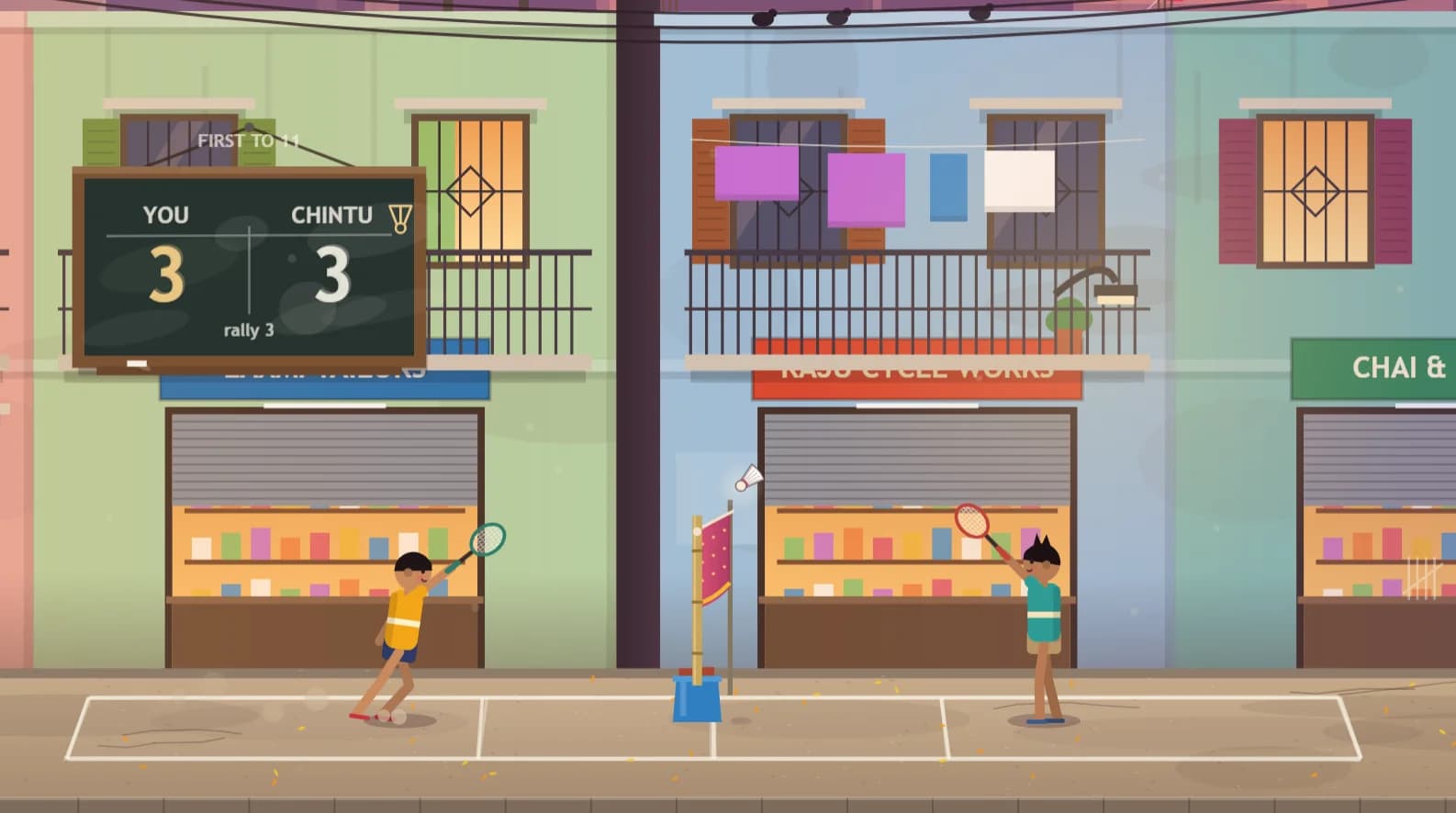
Sports
Street badminton in an Indian neighbourhood at dusk, with a dupatta for a net.
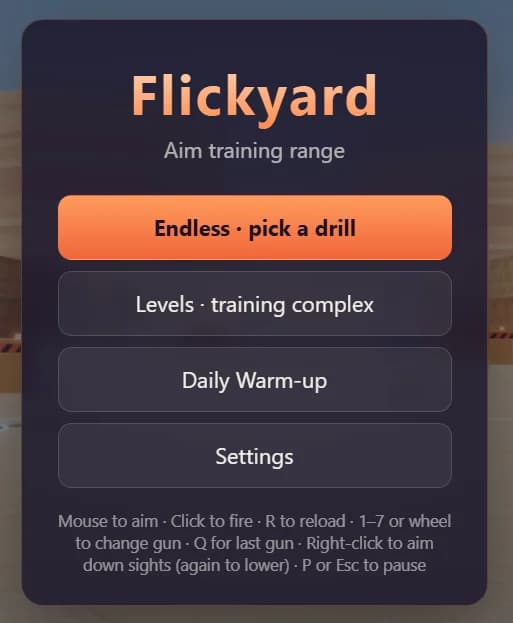
Shooting
A 3D aim trainer with training robots, star goals and stats for every drill.
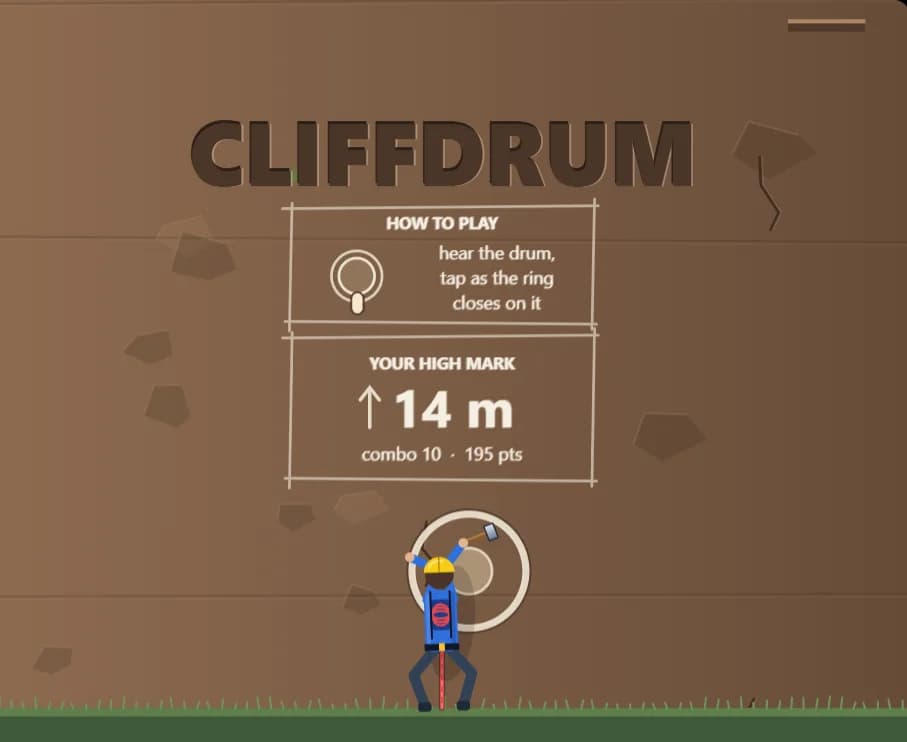
Action
A one-tap rhythm climb where every piton goes in on the beat of a drum.
A great browser game is not the one that most resembles a big downloaded game. It is the one that makes the most of what a tab does well: starting instantly, fitting into a short gap and letting you come back to it whenever you like.
Gaming
Why do racing games feel so good, and why do we keep pressing restart? A look at the psychology of speed, risk, personal bests and fairness, and what that means for the racers you can play straight from a browser.
Gaming
Discover the finest puzzle browser games meticulously engineered to elevate your cognitive skills, sharpen memory, and optimize your mental agility right from your web browser.
Gaming
Discover the best free games to play during study breaks. From browser classics to quick competitive matches, these games help students relax, recharge, and return to studying with renewed focus.
Gaming
Explore the browser games that exploded in popularity almost overnight. Discover how simple mechanics, social sharing, streamers, and instant accessibility turned these games into internet sensations.
Continue Exploring
Jump into browser games or challenge yourself in Quiz Arena. There's always something new to discover.